
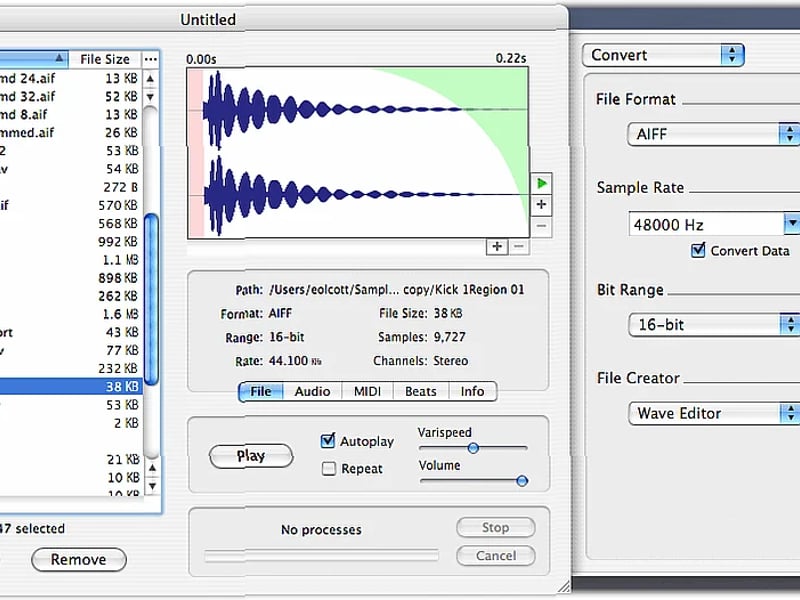
Need to batch process a ton of audio files? Looking for a Mac tool that handles metadata and loop editing in one place?
Audiofile Engineering’s Sample Manager is a free download that tackles exactly that. It’s built for when you have a folder full of samples, loops, or recordings that all need the same treatment—gain changes, fades, conversions, or splitting—and you don’t want to open each file individually. It combines a batch processor with a detailed editor, so you can manage large collections and fine-tune individual files.
What It Does
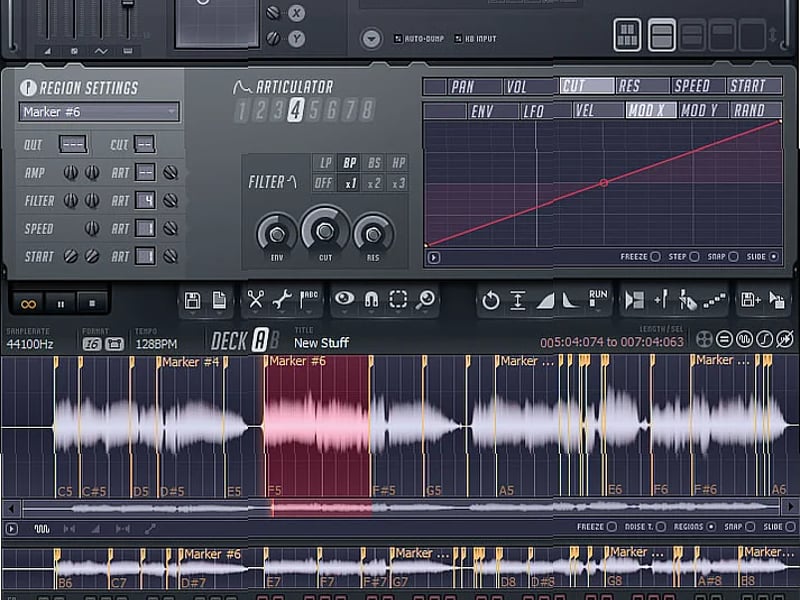
This is a Mac OS X application that lets you process and edit multiple audio files at once. You get a file browser to view and sort your audio, a detailed waveform display for close editing, and a set of tools to modify both the audio data and its embedded information.
Main Features
Batch Audio Processor
This is the core. You can apply changes like Gain, Fade, Trim, Reverse, Convert, Split, Mix, or Join to many files simultaneously. It also lets you process audio through a chain of multiple Audio Units plugins. Files are auto-saved in-place after processing.File Management & Editing
You can open multiple browser windows, save searches, and sort files by any parameter. The detailed waveform view can show the full wave, or a rectified/averaged display. For editing, you get a Loop Editor for detailed work and the ability to extract parts of files using thresholds, slices, or regions.Metadata & Information
You can batch edit MIDI, beat-related, and other metadata info across files. The app shows detailed file and audio information, supports Spotlight searches, and includes built-in Automator actions and AppleScript support for workflow automation.Playback & Export
You can play back a selected file at varispeed or trigger it via MIDI. For output, you can export to MP3 format. The app maintains an offline waveform cache for faster browsing.Technical Specs & Support
It runs on Mac OS X and is optimized for G4/G5 processors. It fully supports AIFF, WAVE, Sound Designer, ACID, Apple Loop, and µLaw files, with partial support for Recycle (REX, RX2, RCY) files. It handles any sample rate, bit depth, or channel count (interleaved or split), and all DSP processes work across these formats. It can also host Audio Units.Who Should Use It
This fits a specific Mac-based workflow. It’s useful if you regularly need to normalize or convert a batch of field recordings, or if you’re a sound designer preparing a large sample library and need to trim, fade, and embed consistent metadata. The loop editor and detailed waveform view make it good for someone editing and tweaking loop files before bringing them into a DAW.
 Popular





 Categories


